You can buy data on MTN in a number of ways including using a USSD code, by sending an SMS or even by using myMTN app. But, if you are not sure how to use these methods and what is the code to buy data on MTN, this blog is for you. We will not only share the details of each method to buy MTN data but also give you additional information about buying cheap data on MTN and much more. Let's get into it!
4 Easy Methods to Buy Data on MTN
1) Buy Data on MTN Using USSD Code
The code to buy data on MTN is *312# . Using this code is the quickest and most common way to buy an data from MTN in Nigeria. It’s fast and works on all types of phones, and doesn’t require internet access which makes it perfect for users who want convenience on the go. Just follow the steps below:
- Simply dial *312# on your phone
- You’ll see various bundle options for daily, weekly, or monthly plans.
- Choose your preferred data bundle
- Confirm the purchase and the data will be activated instantly.
If you know the specific MTN data bundle that you want to purchase, you can also use the dedicated USSD code for that package. For example
- Specific plans:
- Daily 75MB: Dial *312*1*1*1#
- Daily 110MB: Dial *312*1*1*2#
- Daily 230MB: Dial *312*1*1*5#
- Daily 500MB: Dial *312*1*1*6#
2) Buy MTN Data Using SMS
If you’re unable to access the USSD menu or prefer a simpler approach, you can buy data from MTN using SMS. This method works best when you already know the specific data code you want.
- Just text the bundle code of your desired plan to 312.
- You’ll receive a confirmation message once the purchase is complete.
Here are the examples of bundle keywords of some specific MTN data plans:
- Daily 75MB: text 114 to 312.
- Daily 110MB: text 104 to 312.
- Daily 230MB: text 113 to 312.
- Daily 500MB: text 175 to 312.
3) Use myMTN App to Buy Data from MTN
The myMTN App is another user-friendly way if you are still wondering how to data data on MTN and easily manage your account. Here's how to use this method:
- After downloading the app from Google Play or App Store, log in with your MTN number.
- Go to the “Buy Data” section, select a plan, and pay using airtime or your preferred payment method.
The app also helps you track your usage, check balances, and get exclusive offers that aren’t always available through USSD or SMS.
4) Use Tbay App to Buy MTN Data Bundle
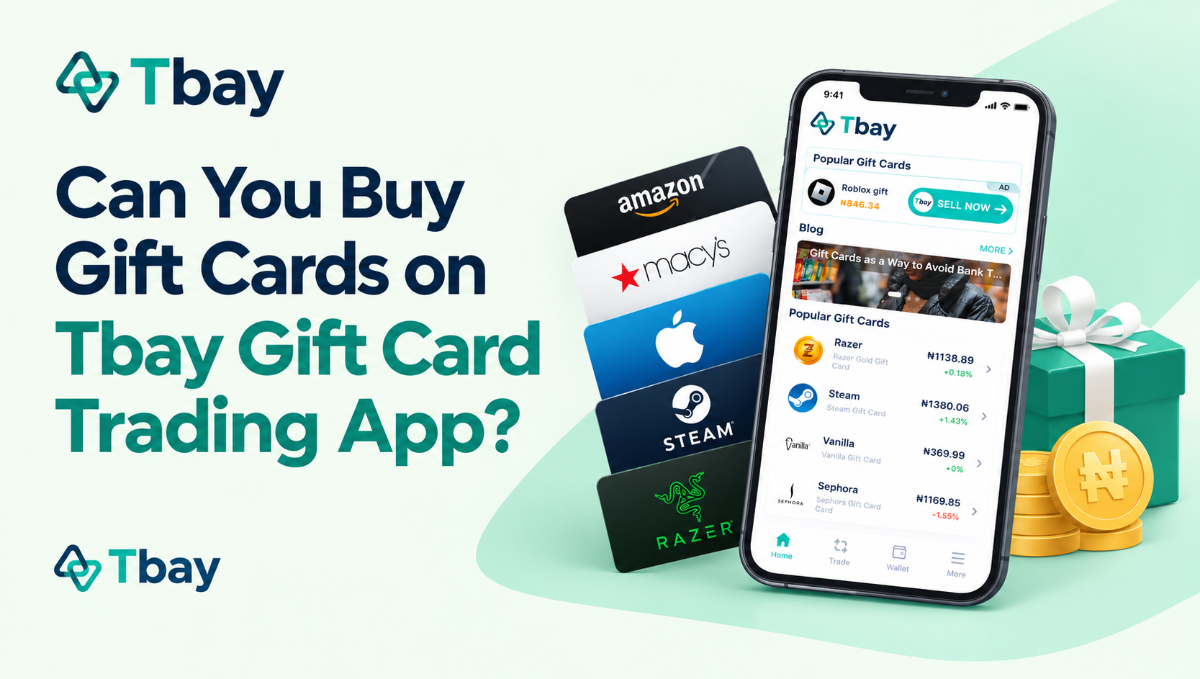
If you want a faster and more flexible option, the Tbay app is one of the easiest ways to buy MTN data online in Nigeria. Simply open the app, choose the “Bill Payments” section and choose the Buy Data option. Next select MTN under the data provider list. Pick a bundle or enter your preferred amount, confirm payment, and you’re done. If this is your first time buying data on Tbay, you can also get a 10% cashback.!
With Tbay gift card trading app, you can buy MTN data and also purchase airtime, pay bills, or even trade gift cards, all in one secure app. It’s perfect for users who want convenience, speed, and multiple services in one place.
How to Buy Data for a Friend on MTN?
MTN offers a data gifting service where you can buy a data bundle for a friend or loved one easily. The code to buy data for a friend on MTN is *321*2 or *312*8#. you can dial this code on your phone an follow the prompt.
Another method to buy data for a friend on mtn is to get a a specific bundle and the cost will be deducted from your airtime. Simply dial *312*Bundle Activation Code*Beneficiary’s Phone number#
Lastly, Tbay is also an amazing gift card trading app to gift MTN data to your friend. Yeah, that's correct, you can use Tbay to not only buy data on MTN for yourself but also for your friend. The process is simple as shared above, all you have to do is provide your friend's number when buying the MTN data bundle. Here is a detailed blog on how to gift data on MTN in Nigeria.
You can also find out how to transfer MTN data to a friend from your own existing balance in this blog.
How to Use MTN Xtrabuy to buy data on MTN?
MTN XtraBuy is a convenient feature that allows you to buy airtime or data bundles instantly through your debit/credit card, USSD banking, or a direct bank transfer. When your airtime or data runs low, MTN automatically sends an XtraBuy offer via the USSD channel. From there, you can simply choose a data bundle and complete the payment using any of the supported options. Note that you can’t manually access XtraBuy, it’s only available to eligible users when their balance drops below a certain level.
FAQs
1. What is the code to buy data on MTN in Nigeria?
The code to buy MTN data in Nigeria is *312#.
2. Who can buy data on MTN?
All MTN subscribers with an active line can buy data bundles.
3. How do I buy cheap data on MTN?
The easiest way to get cheap MTN data is by choosing their daily bundles, because they are the most affordable plans on the network. One of the cheapest options is the MTN 75MB Daily Plan, which is perfect for light browsing, chatting, or quick searches.
To buy this cheap data on MTN:
Dial *312*1*1*1# or text 114 to 312.
Read more about best and cheapest MTN data plans.
4. Does MTN data have auto-renewal?
Yes. If you have enough airtime, your data bundle will automatically renew after it expires.
5. Can I cancel auto-renewal of an MTN data bundle anytime?
Yes. To cancel auto-renewal, simply send NO + bundle code to 312.
6. Can I buy more than one MTN data bundle?
Yes, you can subscribe to multiple data bundles, and each one will have its own expiry date.
7. How can I check my MTN data balance?
You can check your data balance through any of these methods:
SMS: Text 2 to 323
USSD: Dial *323*4#
App: Open the myMTN App to view your remaining data balance.
Join us now
Email: [email protected]
Website: https://tbay.store
Facebook: Tbay
Tbay App: Google Play Store & App Store