Ever found yourself in a situation where a friend or family member urgently needs airtime, but you’re not sure how to help? If you’ve been wondering how to transfer airtime on Glo, you’re in the right place!
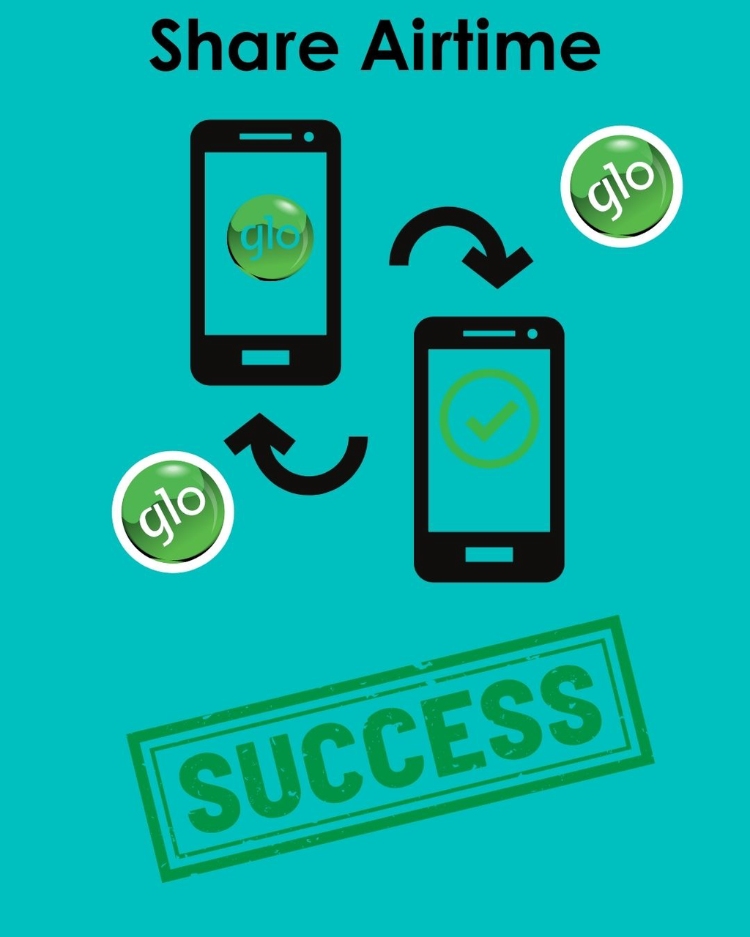
Glo EasyShare is a service that enables you to share airtime from Glo to Glo easily. In this blog, we’ll walk you through the simplest steps to use this service. Plus, we’ll cover all the essential details you need to know before making the transfer. Let’s get started!
Prerequisites to Transfer Airtime From Glo to Glo
The good thing about sharing airtime on Glo is that it is a straightforward process. But before you dive in, there are a few things you need to have in place to ensure a smooth transfer.
1) Sufficient Airtime Balance: To send airtime from Glo to Glo, you must have enough credit in your account. You need to ensure your balance is more than the amount you intend to transfer, as Glo may charge a small fee for the service.
2) Active Glo Line: Both the sender (you) and the recipient must have active Glo lines. The Glo airtime transfer service is only available between Glo numbers, so double-check that the recipient is on the Glo network.
3) Double-Check the Recipient’s Number: You’ll need the correct Glo phone number of the person you’re sharing airtime with. Make sure to confirm the number to avoid sending airtime to the wrong person.
4) Check Network Stability: Ensure you have a strong network connection before initiating the transfer. A poor connection could interrupt the process or cause errors.
How to Set Up Your New Glo EasyShare PIN to Share Airtime?
Before you can start sharing airtime on Glo, you’ll need to set up a new EasyShare PIN to replace the default one (which is 00000). Here’s how to do it:
Simply dial *132*00000*new PIN*new PIN#on your Glo line. Replace "new PIN" with a 5-digit number of your choice, and make sure to enter it twice to confirm. Once your new PIN is set, you’re all set to start sharing airtime with friends and family on the Glo network!
What is the Code to Share Airtime on Glo?
The code to transfer airtime on Glo is 131.
Steps to Share Glo Airtime Easily
Dial *131*Phone Number of the recipient*Amount*PIN# from your phone.
For example, if you want to send ₦500 to 08012345678 with your PIN as 12345, you’ll dial *131*08012345678*500*12345#
You will receive a text message once the transfer is completed.
FAQs
Can I share airtime from Glo to other networks?
No, Glo’s airtime sharing service (EasyShare) only works between Glo numbers. You cannot transfer airtime to other networks like MTN, Airtel, or 9mobile.
What is the minimum amount I can transfer?
The minimum amount you can share on Glo is ₦50.
What is the maximum amount I can transfer at once?
The maximum amount you can transfer in a single transaction is ₦1,000.
What should I do if my airtime transfer fails?
If the transfer fails, ensure you have sufficient balance, a stable network connection, and the correct recipient’s number. If the issue persists, contact Glo customer care for assistance.
How long does it take for the recipient to receive the airtime?
The airtime is usually transferred instantly, and both you and the recipient will receive a confirmation message once it’s completed.
Can I reverse an airtime transfer if I sent it to the wrong number?
No, once the airtime is transferred, it cannot be reversed. Always double-check the recipient’s number before confirming the transfer.
Is there a limit to how many times I can share airtime on Glo in a day?
Glo does not specify a daily limit for airtime transfers, but you must ensure you have sufficient balance for each transaction.
Join us now
Email: [email protected]
Website: https://tbay.store
Facebook: Tbay
Tbay App: Google Play Store & App Store