Glo is one of Nigeria’s most prominent telecom provider and is known for offering affordable data plans and reliable network coverage across the country. Glo offers numerous services to its users including the data sharing.
If so happens that you or a friend suddenly runs out of data, there is no need to panic! Glo has incredibly simple ways to share your data, helping you stay online when it matters most. One most impritant thing to remember is, data sharing on Glo is not like data transfer. Instead of transferring a part of your data to a friend, you can give them access to your data subscription or package by sharing data on Glo.
In this blog, we’ll share with you the easiest ways to share data from Glo to Glo, so you can always be the hero in data emergencies.
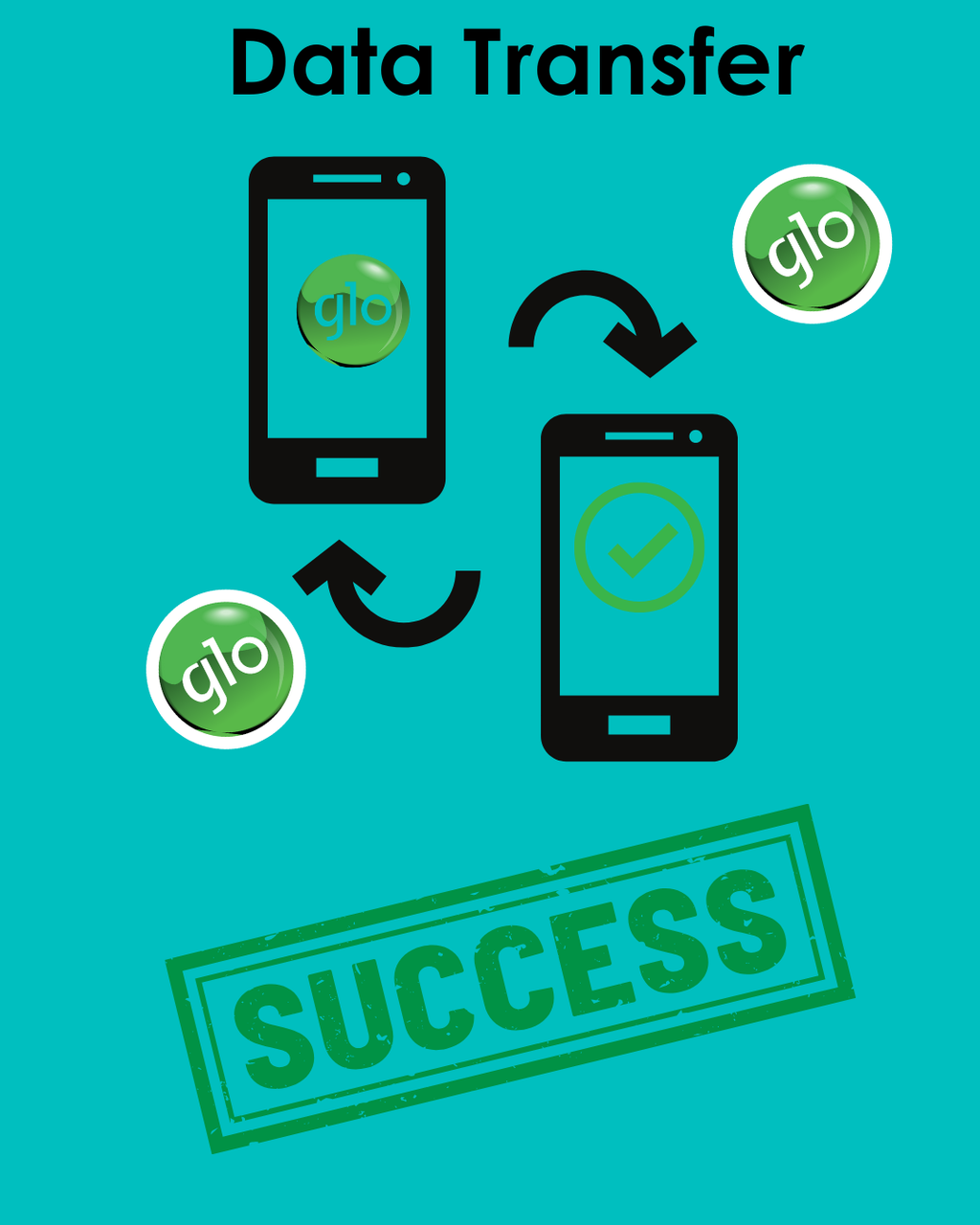
Two Ways to Share Data on Glo
1. Share Data from Glo Using USSD Code
The quickest way of sharing data is by using the USSD code. There are actually three different codes that you can use,. Let's start with the first code to share data on Glo.
Step 1: Dial *321# from your phone dialler.
Step 2: From the menu, select Share Data.
Step 3: Enter the receipient's number.
Step 4: You will receive a pop-up notification confirming that ou have sucessfully shared your data plan with the recipient.
Another code to share data on Glo in *312#. Follow the steps below:
Step 1: Dial *312# from your phone dialler.
Step 2: From the menu, select Share Data.
Step 3: Enter the receipient's number.
Step 4: You will receive a pop-up notification confirming that ou have sucessfully shared your data plan with the recipient.
Your friend with whom you shared data plan with will receive a confirmation SMS.
2) Share Data on Glo Using Glo Cafe App
- Go to the Google Play Store or Apple App Store and install the official Glo Café app on your smartphone.
- Open the app and log in using your Glo mobile number.
- Once logged in, navigate to the “ Share Data” section from the app dashboard. Tap on it to proceed.
- Type in the Glo number of the person you want to share data with. Double-check to avoid mistakes.
- Tap “Share” or “Confirm.” A confirmation message will pop up, and the recipient will receive an SMS notification instantly that you are sharing data with them
Important Things to Know Before Sharing Data on Glo
1) You can add upto 5 Glo network users in your data sharing list.
2) You can always remove people from the list too whenypu wish to stop sharing data with them.
3) Be mindful of your own data balance and avoid adding more people to sharing list if you don't have enough data to share.
How to Gift Data on Glo?
Gifting data is a differents ervice than sharing data. Instead of sharing your own Glo subscription plan, you can always buy your loved ones a new data plan on Glo. Here's teh steps to do it:
Step 1: Dial *312# from your phone dialler.
Step 2: From the menu, select Gift Data.
Step 3: Enter the receipient's number.
Step 4: Choose the data plan you want to gift them and confirm. The recipient will receive a confirmation message that their data plan ahs been activated.
Conclusion:
Sharing data on Glo is a lifesaver when you or a loved one runs low. With the easy methods shared above, you can stay connected anytime, anywhere. So next time you or your buddy is in a data pinch, just remember: Glo's got your back!
However, if instead of transferring data you wish to gift data on Glo, you can also use Tbay, a gift card trading platform that not only enables you to sell gift cards but also use the Naira you make to pay for airtime and data on all major networks including Glo.
Join us now
Email: [email protected]
Website: https://tbay.store
Facebook: Tbay
Tbay App: Google Play Store & App Store